
Analyze
Analyze your results
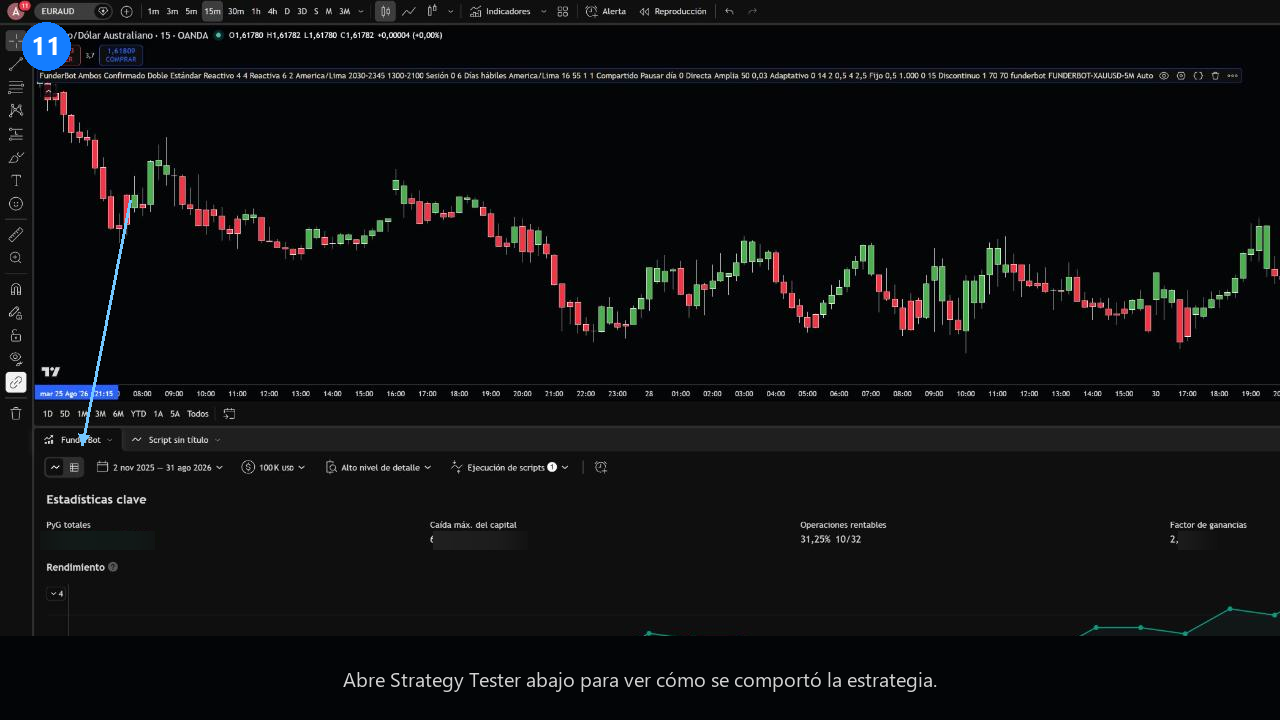
Export the Strategy Tester trades to a CSV and review it in the Análisis tab.
Step 1
Step 2
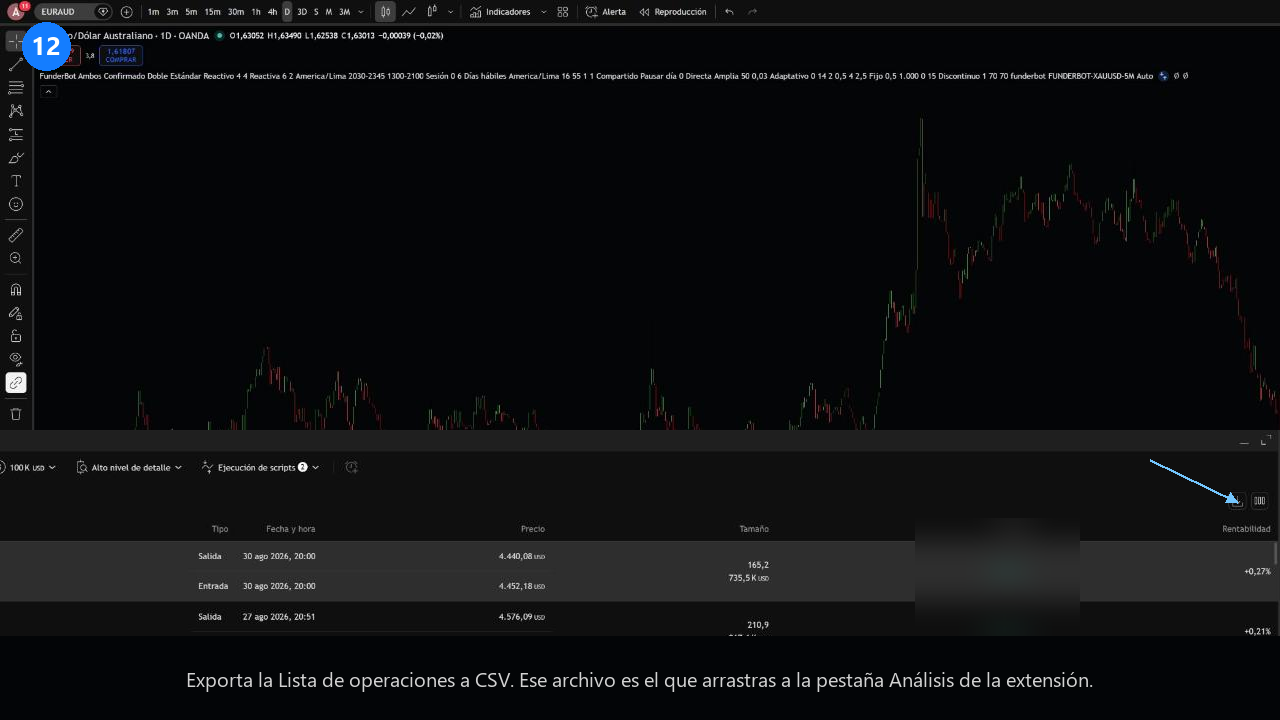
Open the extension's Análisis tab and drop the CSV into the upload area. You'll see the summary, the equity curve and a simulated pass rate. The simulation uses blocks of real days and gives you a minimum at 95% confidence. Enter the same daily loss and the same total loss on closed balance that your firm requires.