
Get started
Add the indicator
The indicator lives inside TradingView. You don't download or install anything on your computer for this step.
Step 1
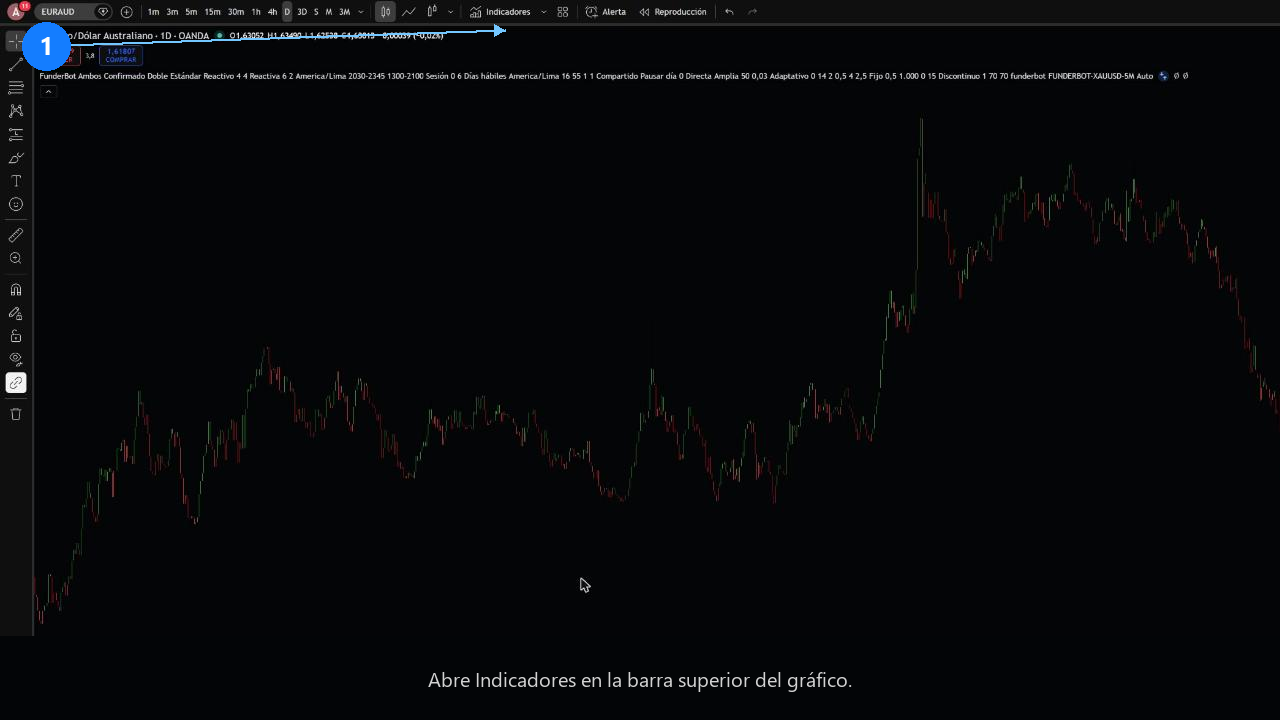
Step 2
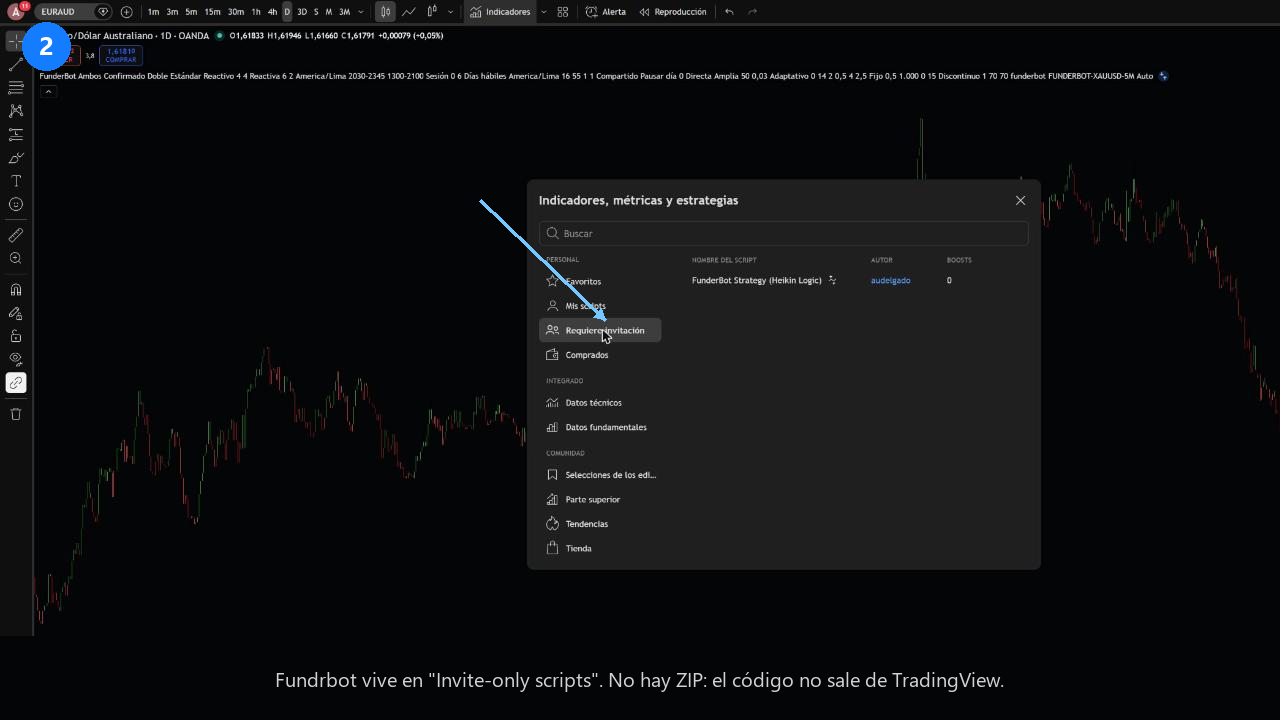
You only see it if your TradingView username has access. You request it from your panel, in the TradingView section.
Step 3
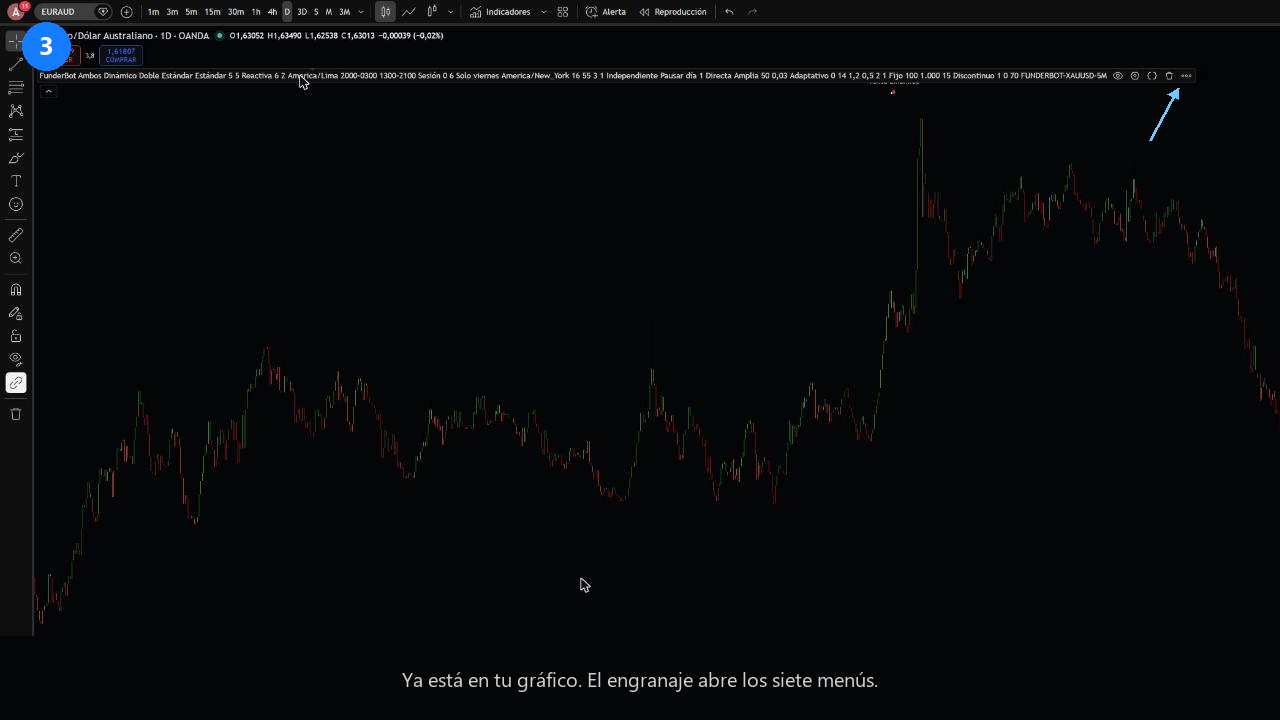
With the indicator on the chart, the next step is choosing its settings. Go to Configure